
Less paperwork.
More Business.
Handle your invoices, inventory, GST compliance,
and business reports in one clean, simple platform.

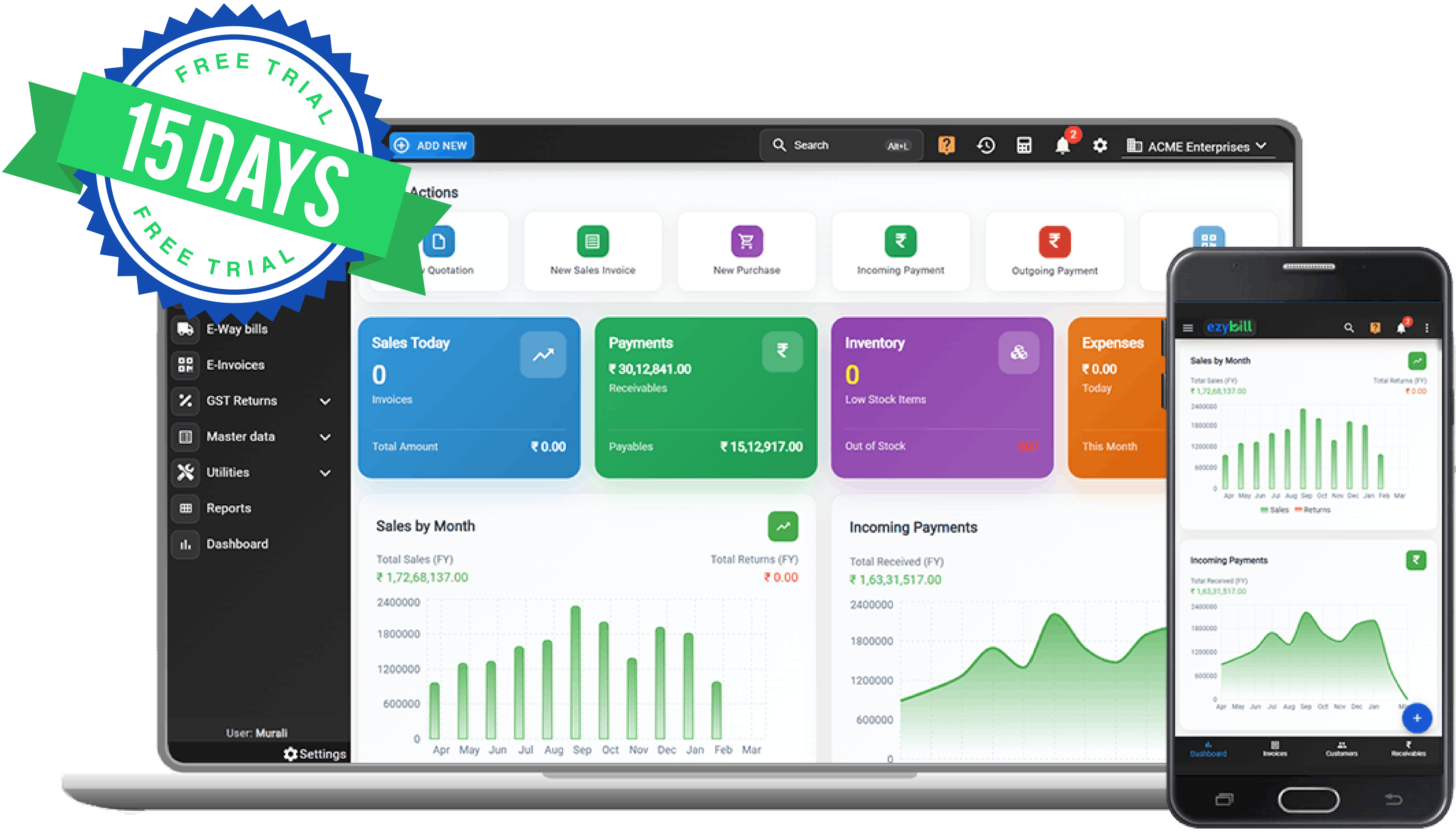
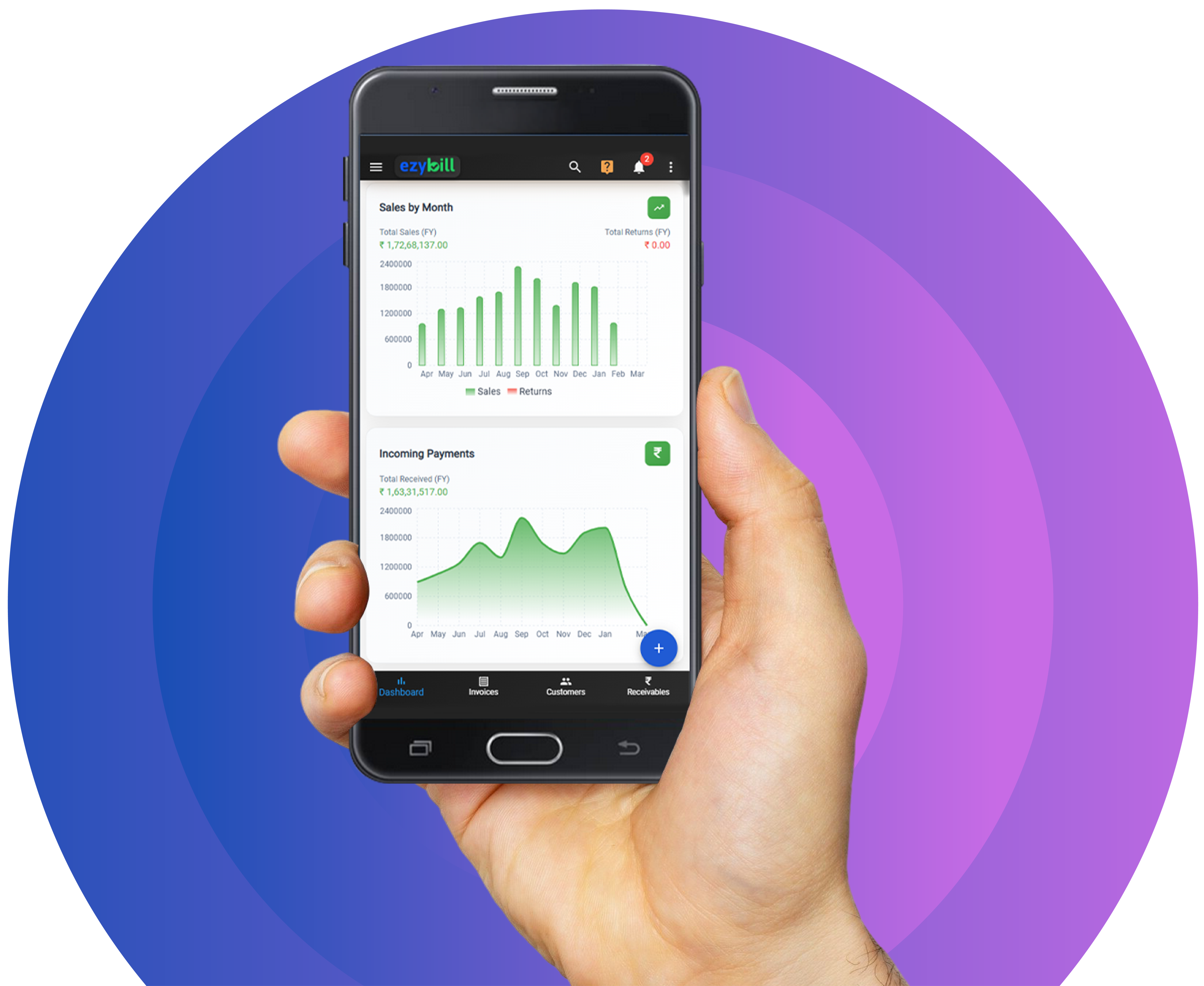
Incoming Payments
Total Received (FY)
₹1,63,31,517.00

If You Can Send a WhatsApp,
You Can Run ezybill.
Built and Made for Indian Retailers, Distributors and Traders handling CGST. SGST. IGST.
Automated and
easy to handle.
Businesses
Invoicing, inventory, GST, Payments, reports. One login.
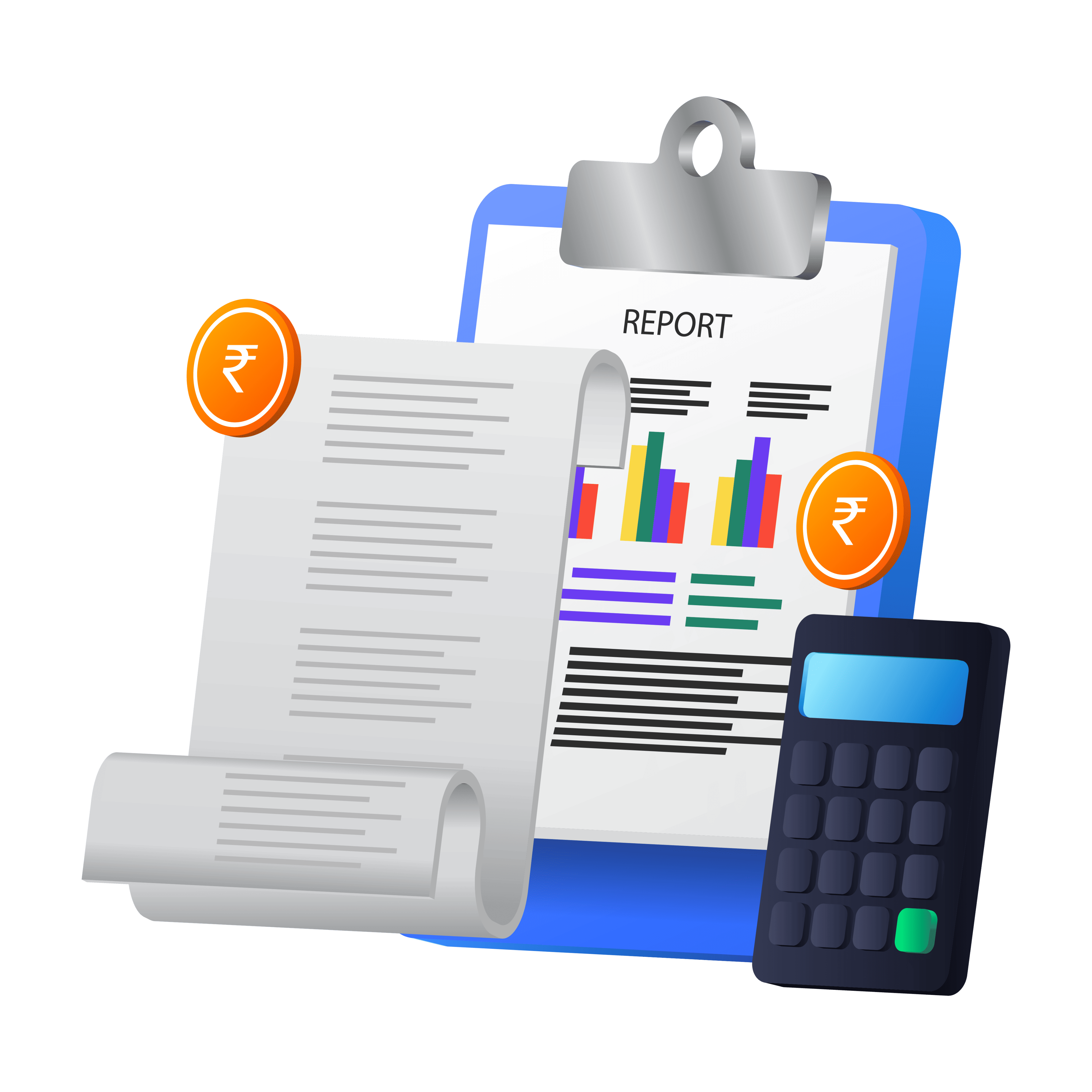
GST Invoicing
Create compliant invoices with auto-calculated taxes.
Share on WhatsApp, email, or print. Works for B2B, B2C, and service businesses.
Inventory & Stock
Real-time stock tracking with batch numbers, expiry dates, and multi-warehouse support.
Know what you have before your customer asks.
E-Invoices & E-Way Bills
Generate IRN, QR codes, and E-Way bills directly from your invoice.
No portal switching. No re-entry.
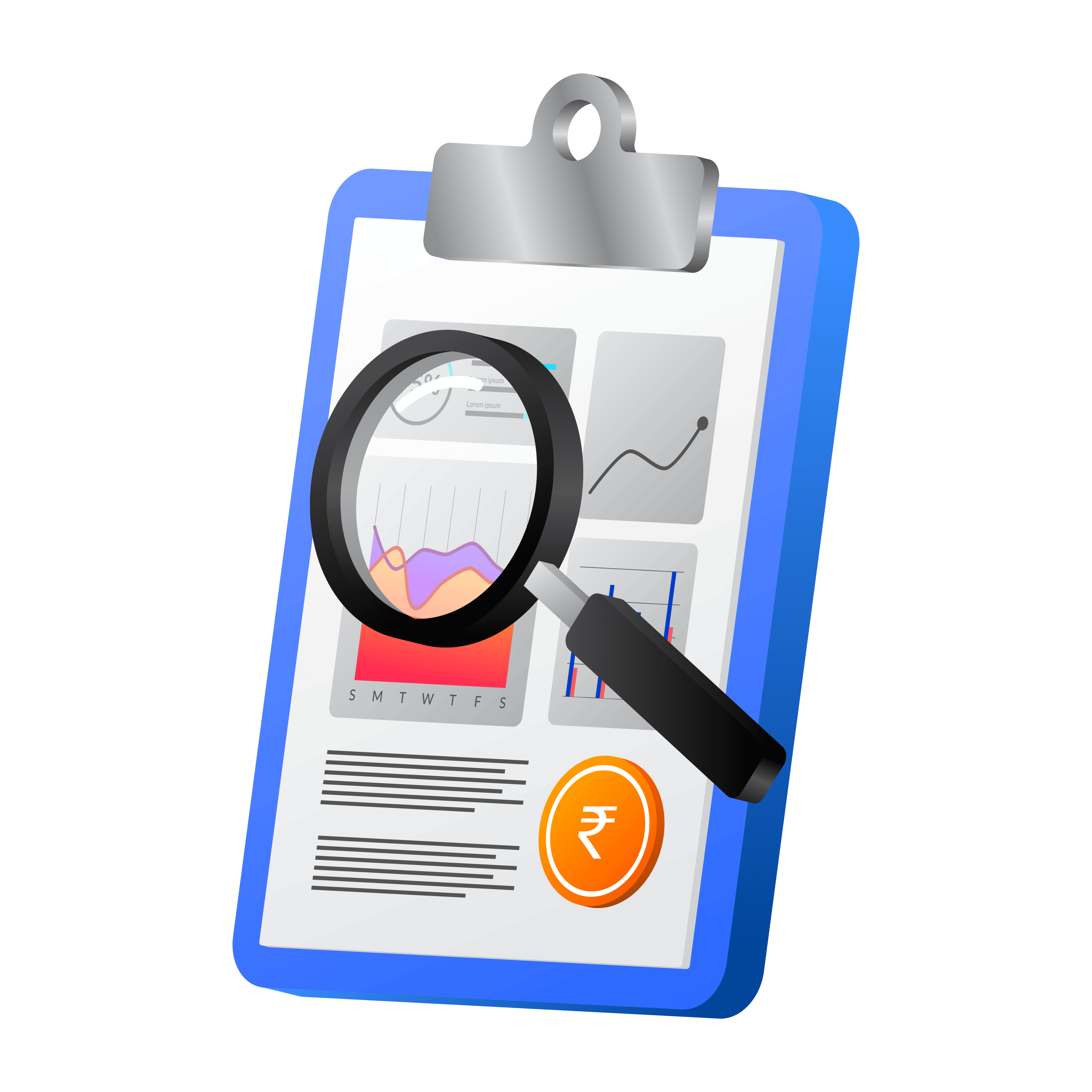
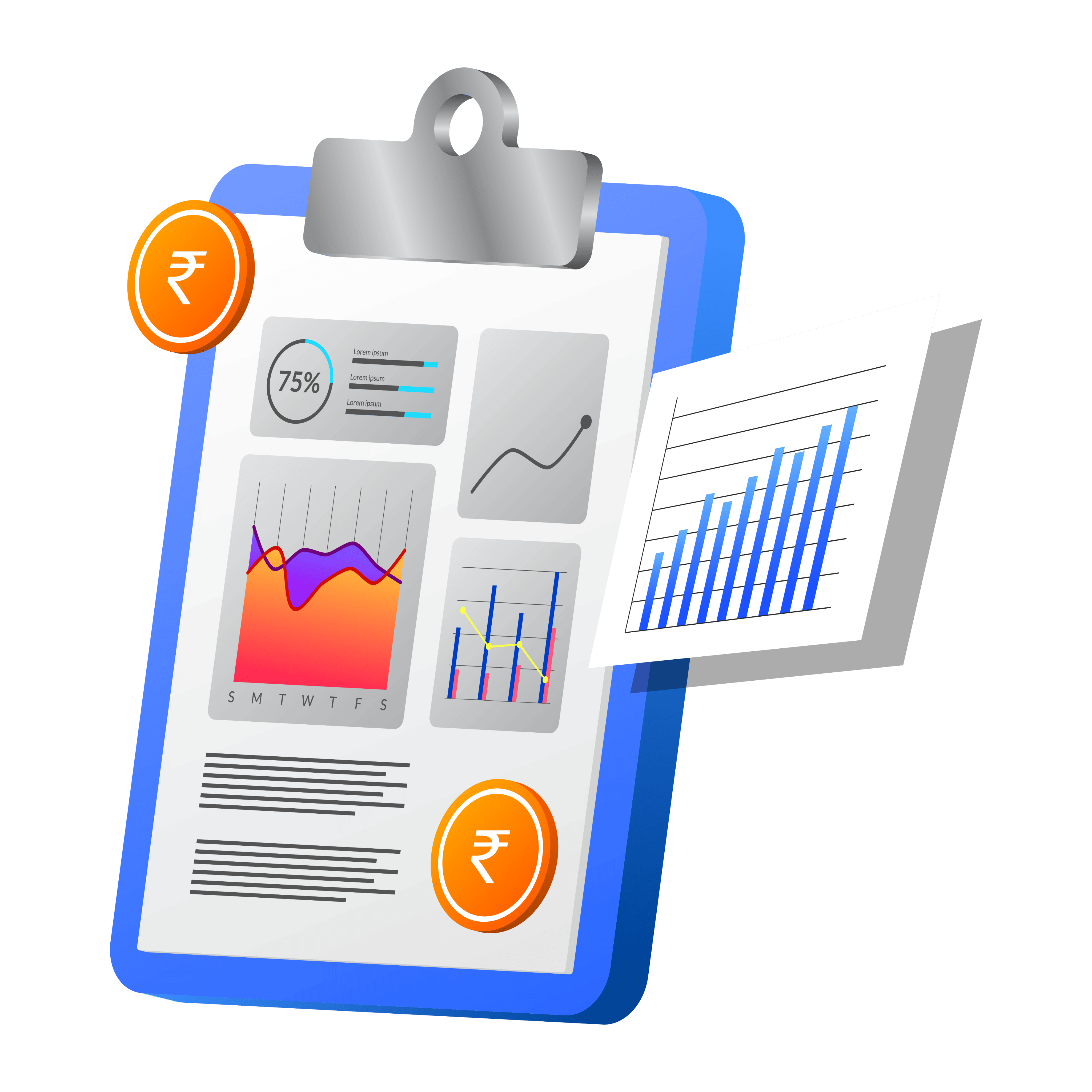
Reports & Filing
50+ reports including P&L, balance sheet, GSTR-1 JSON, HSN summary, and party ledgers.
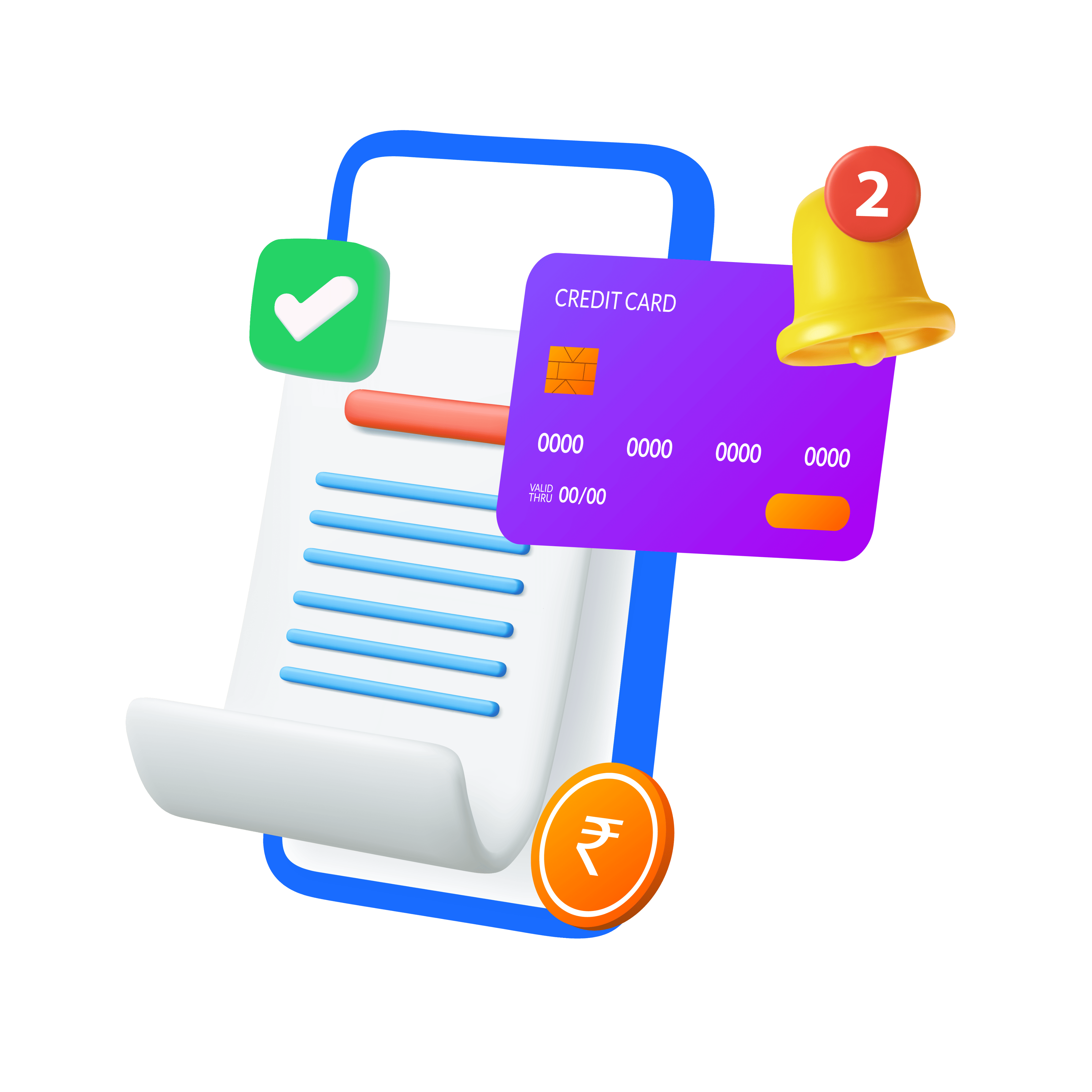
Automated Payment Reminders
Send automatic payment reminders to customers via WhatsApp and email.
Get paid faster without the awkward follow-up calls.
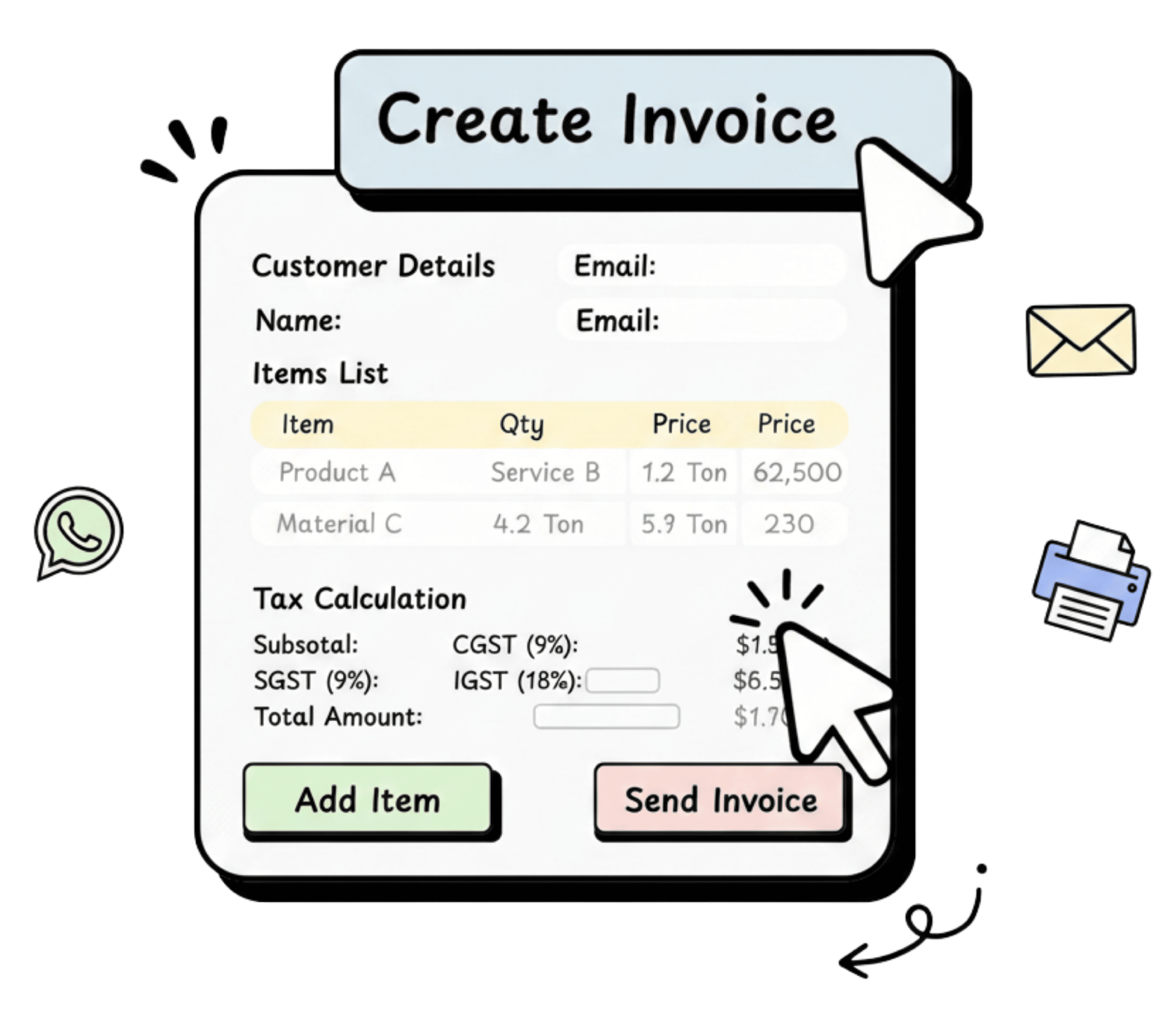
Your invoice.
Professional in seconds.
Pick a customer. Add items. Taxes calculate. Hit send. A clean, branded invoice reaches your customer on WhatsApp before they finish their tea.
ezybill generates GST and non-GST invoices with auto-calculated CGST, SGST, and IGST based on your HSN/SAC codes and your customer's location. Customise templates with your logo, GSTIN, bank details, and terms.
Try for free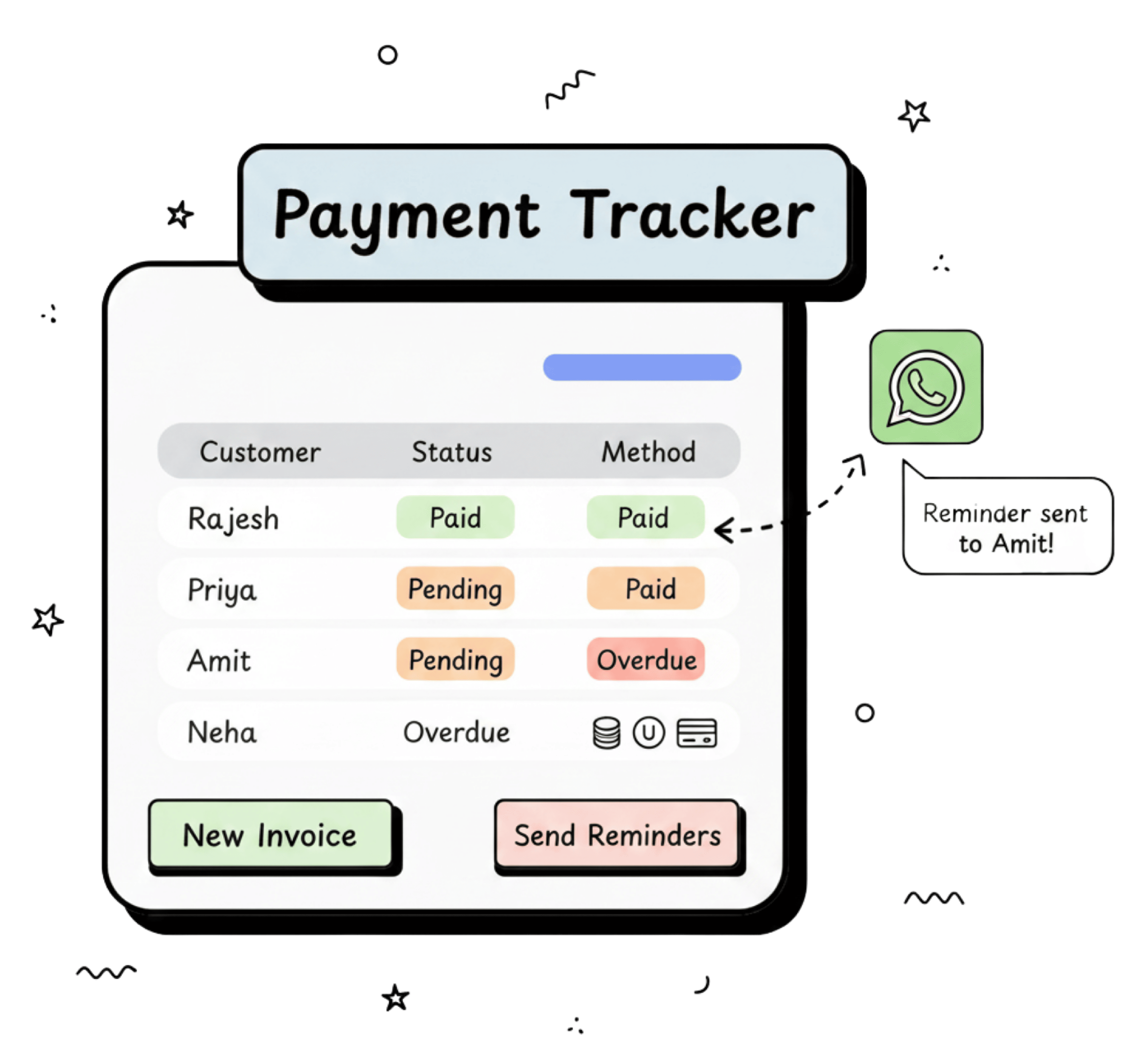
Know who owes you.
Always.
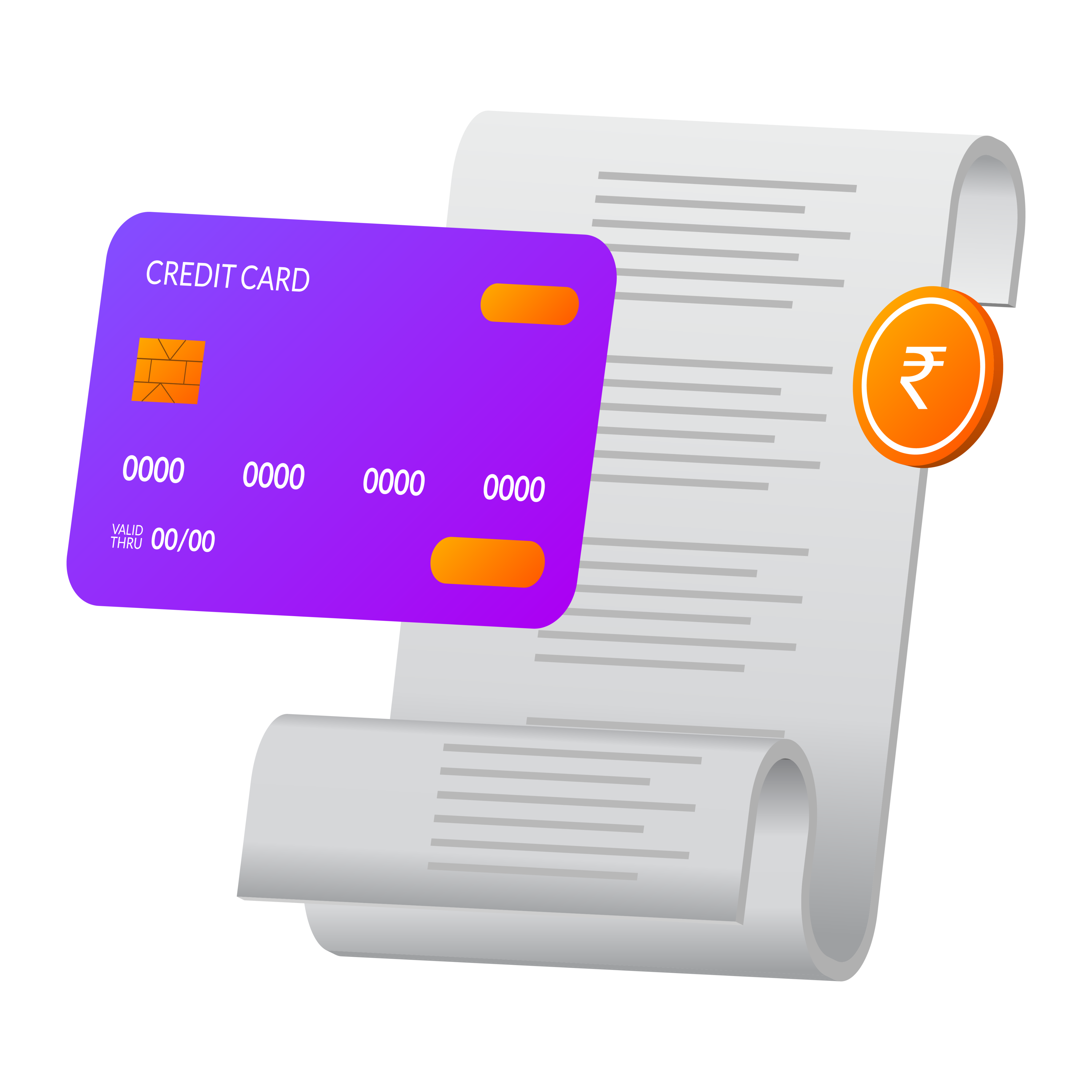
Every payment recorded. Every outstanding balance visible. Reminders sent on WhatsApp so you do not have to make the awkward call.
Record payments received via cash, UPI, bank transfer, cheque, or card. Link each payment to its invoice and watch outstanding balances update automatically across party ledgers, bank accounts, and receivable reports.
Try for free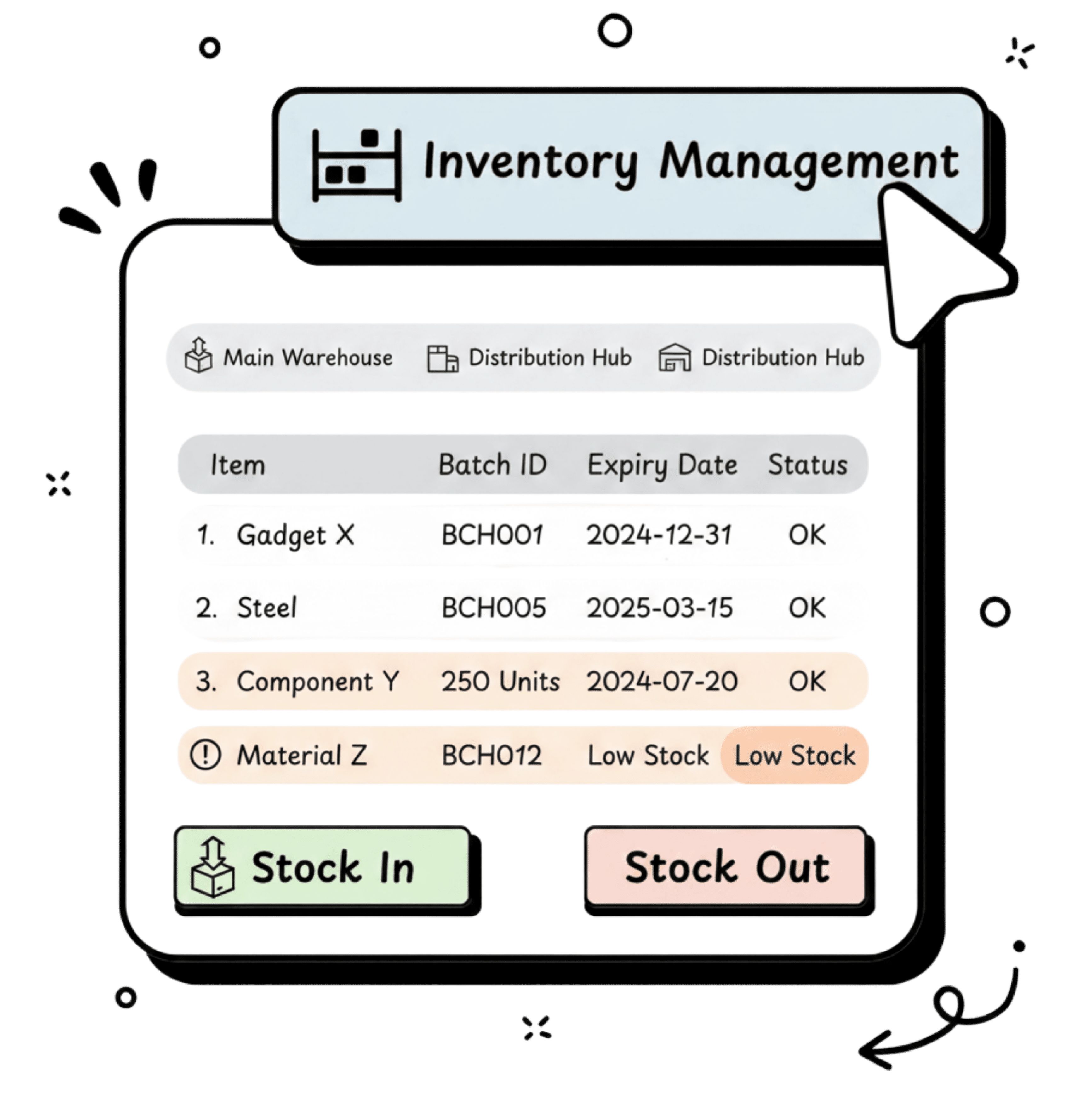
Stock that
tracks itself.
Add items. Monitor levels. Get alerts. Whether you run one shop or five warehouses, your inventory stays accurate without daily counting.
Track stock in real time with StockIn and StockOut logs. Manage batches with manufacturing dates, expiry alerts, and serial number tracking. Import bulk product data via Excel.
Try for free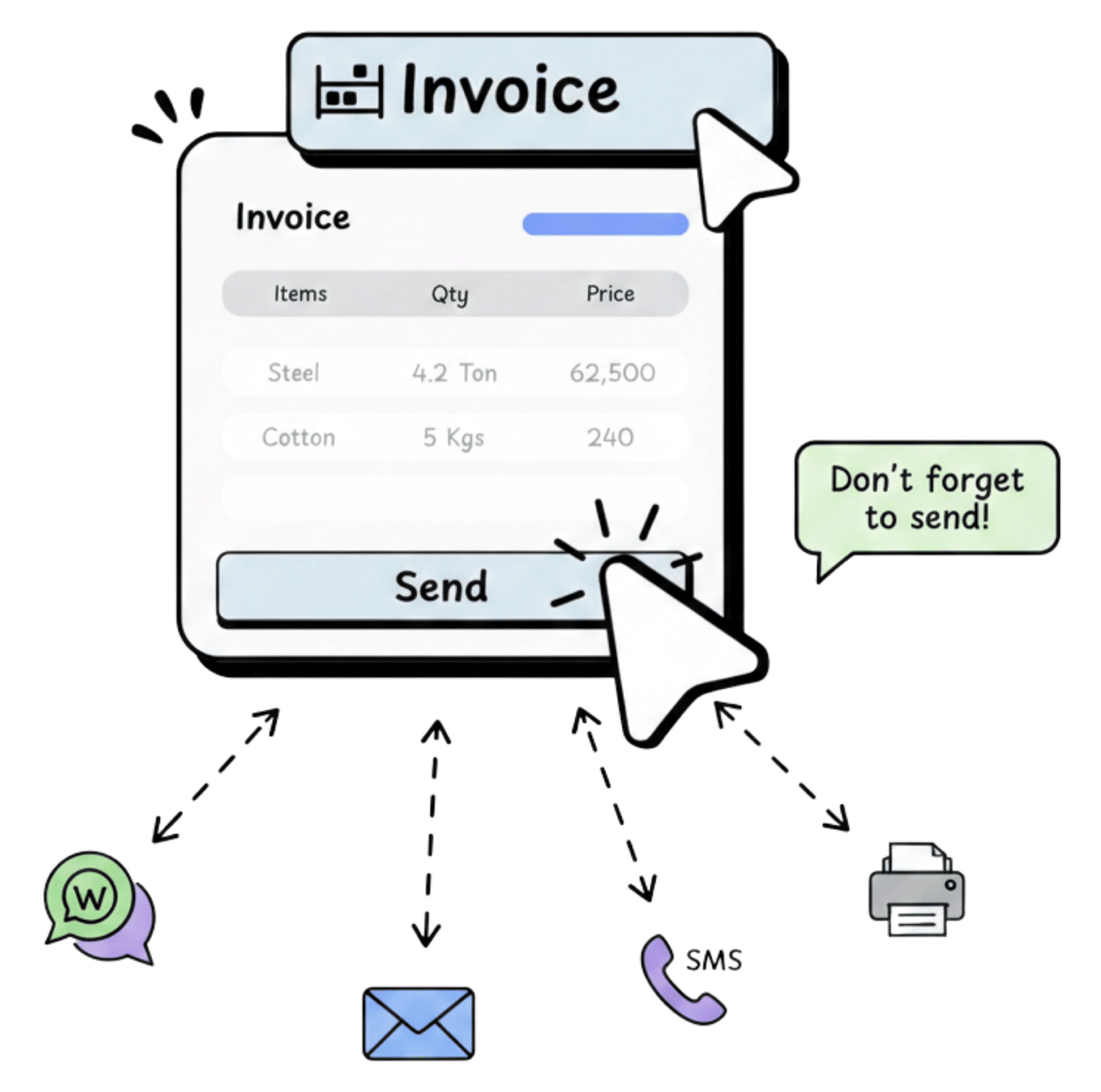
One tap.
Invoice delivered.
WhatsApp, email, SMS, or print. Your customer gets a professional PDF instantly. Auto-reminders follow up so you do not have to.
Share invoices, quotations, delivery challans, and payment receipts directly from ezybill. Choose the format your customer prefers. Print on any connected printer or send a digital copy.
Try for freePayment Integrations
Two gateways. Choose what works for your business.
Every ezybill invoice goes out with a payment link. Customers tap, pay, and the invoice updates on its own.

Business payment solutions for SMEs

Accept online payments via Razorpay payment gateway
Use one. Use both.
You can keep both gateways active and decide per invoice, per customer, or set one as default. Switch anytime from settings.
Built for the way Indian businesses
actually work.
Three Steps. That's It.
Sign Up Free
Enter your phone number. Set up your business profile. Add your GSTIN.
Add Your Data (or Let Us Do It)
Import your customer list, products, and opening stock — or hand it to our onboarding team. They'll set it up for you, free.
Start Billing
Create your first invoice. Share it on WhatsApp. Track your stock. Generate a GST report. All before lunch.
Incoming Payments
Total Received (FY)
₹1,63,31,517.00
10,000+ Businesses Already Run on ezybill.
← Swipe to explore →
Pick a Plan. Start Billing Today.
Still Have Questions? Good.
Here Are Answers.
Yes. ezybill is designed to be simple and intuitive — anyone with basic mobile or computer skills can get started quickly.
Yes. ezybill is compatible with Android and iOS devices, including phones and tablets.
Yes. ezybill integrates with the GST portal so generating e-invoices and e-way bills is straightforward — usually just a click away.
Yes. You can generate and download the GSTR-1 JSON file from ezybill, and the platform also supports direct filing of GSTR-1.
Your data is hosted within India on enterprise-grade infrastructure (Microsoft® Azure). We follow industry best practices to keep your data safe.
Yes. ezybill supports multiple invoice formats and lets you customise templates to match your branding and business needs.
Yes. ezybill supports multi-user access with role-based permissions so you can control who can view and edit data.
Yes. ezybill allows you to manage multiple business entities from a single account.
You can import customers, suppliers, and product data via Excel — the import process is simple and guided.
We perform automatic cloud backups for your data. You can also export data in CSV or PDF formats whenever you need a local copy.
Yes. We offer a 15-day free trial so you can evaluate the software at no cost.
ezybill provides free demos and training. Optional personalised onboarding assistance is available for a fee. We also publish comprehensive video tutorials on our YouTube channel.
ezybill is updated regularly to reflect GST rule changes. Updates are typically provided at no extra cost depending on your subscription plan.
Yes. All GST calculations are applied automatically based on the transaction details.
Yes. ezybill includes inventory tracking and stock management features to help you avoid stockouts and monitor quantities.
No. You pay only the subscription fee. Features are available according to the subscription plan you select.
We provide complimentary training and onboarding assistance; paid personalised onboarding is available if you need extra help.
There are no limits on invoices or quotations. However, certain services such as the number of e-invoices, e-way bills, or GSTR-1 filings may be capped by plan — check your subscription for exact limits.
No. ezybill requires an active internet connection to work.